Android · Coming to Google Play later
XGallery
A private photo and video vault for Android. Every file is encrypted on the phone, the key is held by Android's Keystore, and a second code opens a decoy vault.
One envelope, two ways in
Your photos are sealed by two keys, packed together in one envelope. Everyday unlocking opens that envelope with a key the Android Keystore guards; a recovery passphrase is the only other way in.
- Cipher
- AES · GCM
- Auth
- required on every unlock
- Export
- never leaves the Keystore
- Memory
- m = 64 MiB
- Passes
- t = 3 · lanes p = 1
- Salt
- 16 bytes, stored
- Passphrase
- never stored
- Why one
- an authenticated cipher is good for exactly one operation, so both keysets travel together
- Covers
- the vault index and every thumbnail
- Covers
- every photo and video
- Binding
- each file is bound to its own item, so ciphertext can't be swapped between items
4KB segments
Each encrypted segment is 4 096 bytes.
526 345
Segments in a 2 GiB video.
Every segment is sealed on its own and ends in a 16-byte tag, so playback decrypts 4 KB at a time and a large video is never whole in memory. Overhead on that 2 GiB video: 8.03 MiB (0.39%), worked out from the format.
If someone has…
| …your | They get | Because |
|---|---|---|
| Storage | Ciphertext only | Media, thumbnails and the index are all sealed; the keys on disk are wrapped.StreamingAEAD · AES256_GCM · wrapped envelope |
| Unlocked phone | A locked vault, or a calculator | The vault asks for authentication again on every unlock, separately from the phone. The launcher icon and name can change to something unremarkable.Keystore-bound key · disguise mode |
| Attention, under pressure | A decoy vault | A different password opens a separate vault with its own keys, holding whatever you chose someone should find.Separate keyset |
| Wrong guess | Their own photo, encrypted | With break-in alerts on, a failed unlock takes a front-camera photo, sealed to a public key whose private half only a genuine unlock can open.Tink hybrid encryption · ECIES P-256 |
I publish the algorithms and their parameters so the encryption can be checked, and nothing that would help someone find a vault or tell one vault from another.
A calculator that does the arithmetic
XGallery
Still locked. The code only gets you to the lock screen.
Real arithmetic. Anything that isn't your code is worked out as normal maths, so the calculator holds up if someone tries it.
Your code, then = opens XGallery's lock screen. The disguise is never the only lock.
Try it. This one is running: type 1 9 8 4 then =. Keys or keyboard.
The vault, from a demo install
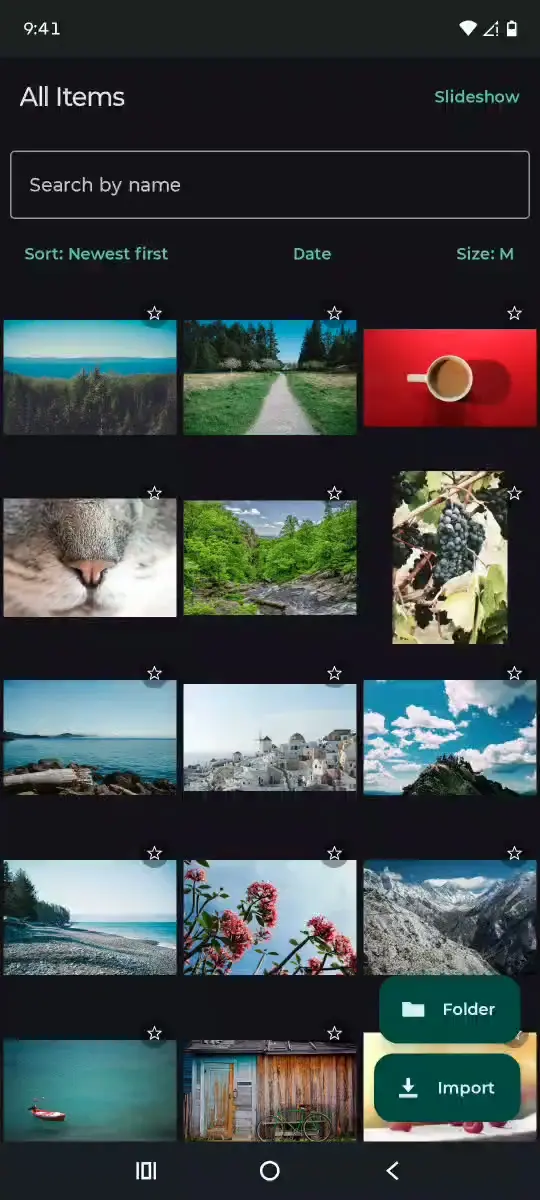
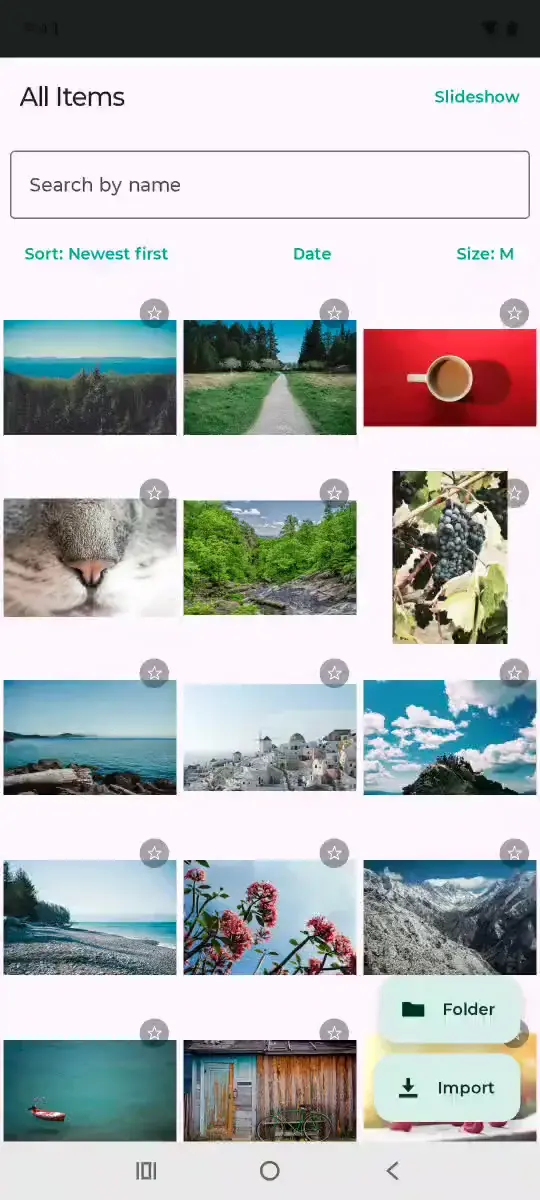
Captured from a separate demo install whose vault holds 30 stock photos (Unsplash License) and nothing else. Nothing here comes from anyone's real vault. Switch the theme to see both.
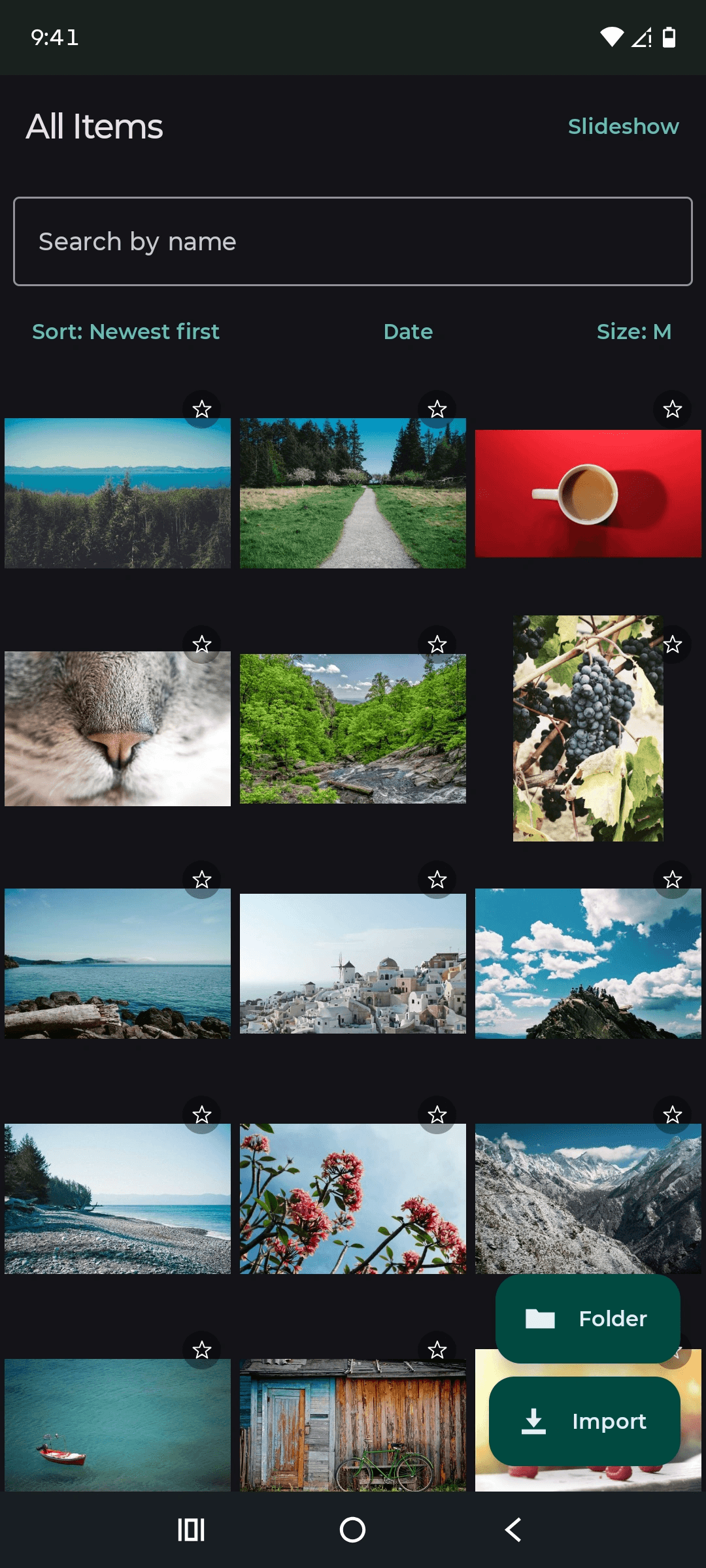
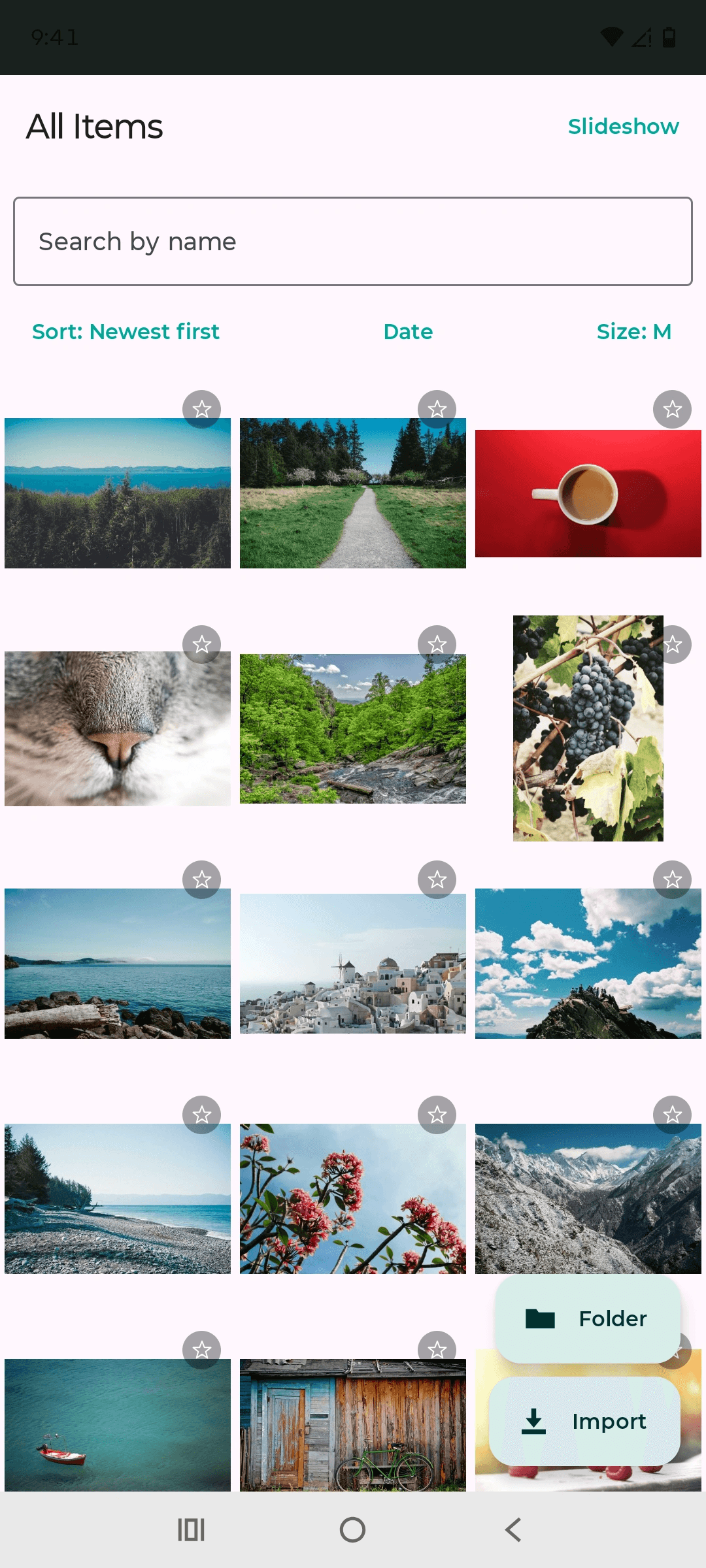
View AAll items: every thumbnail sealed at rest, decrypted to draw. 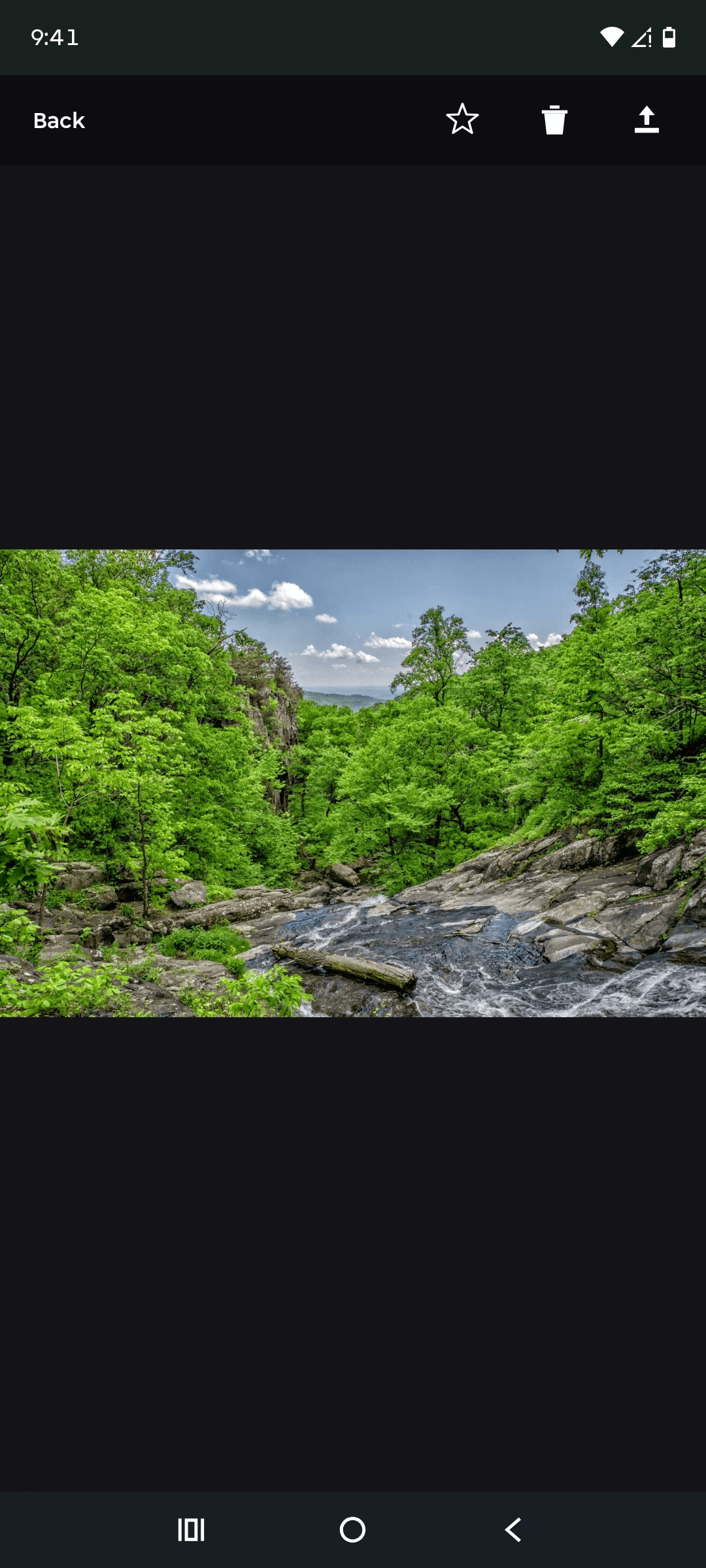
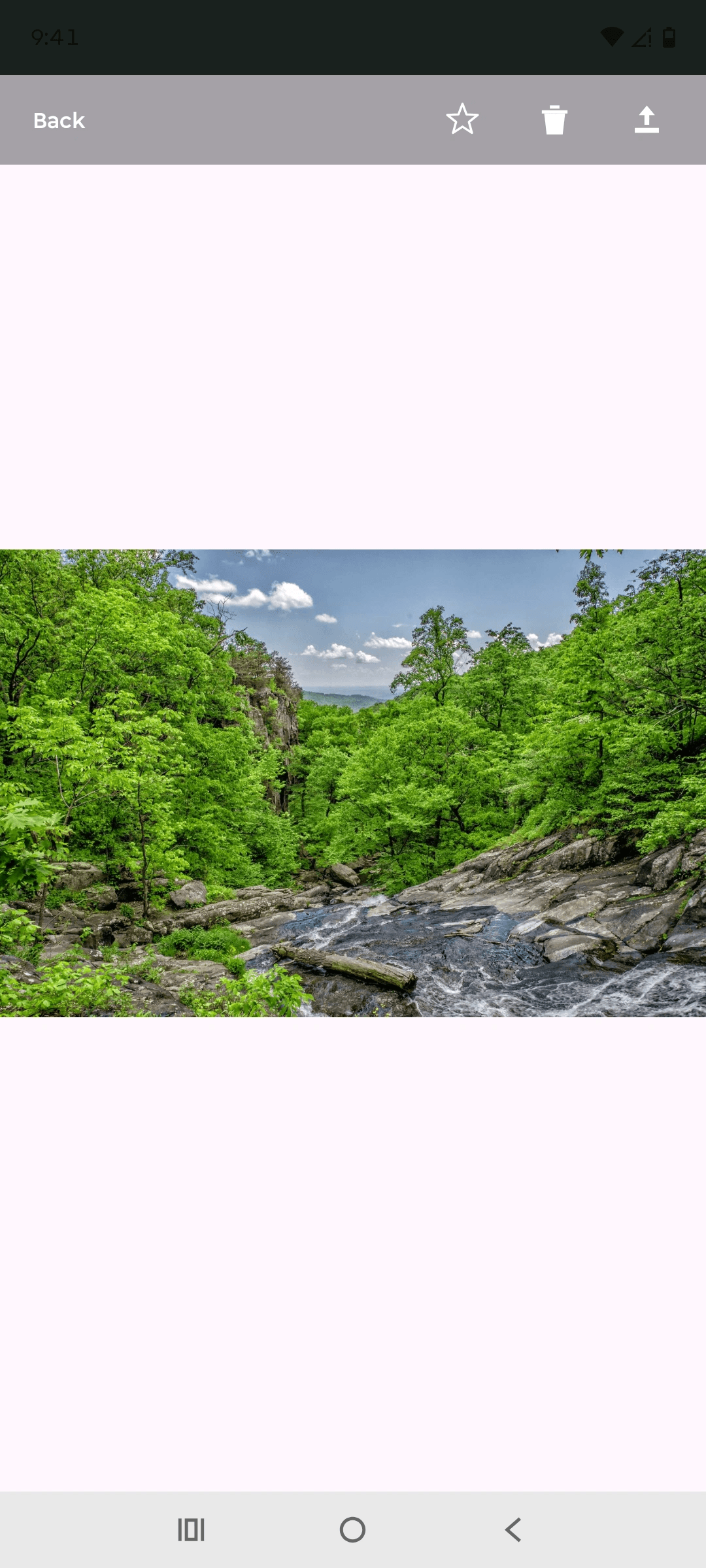
View BOne photo, full screen. Swipe for the next. 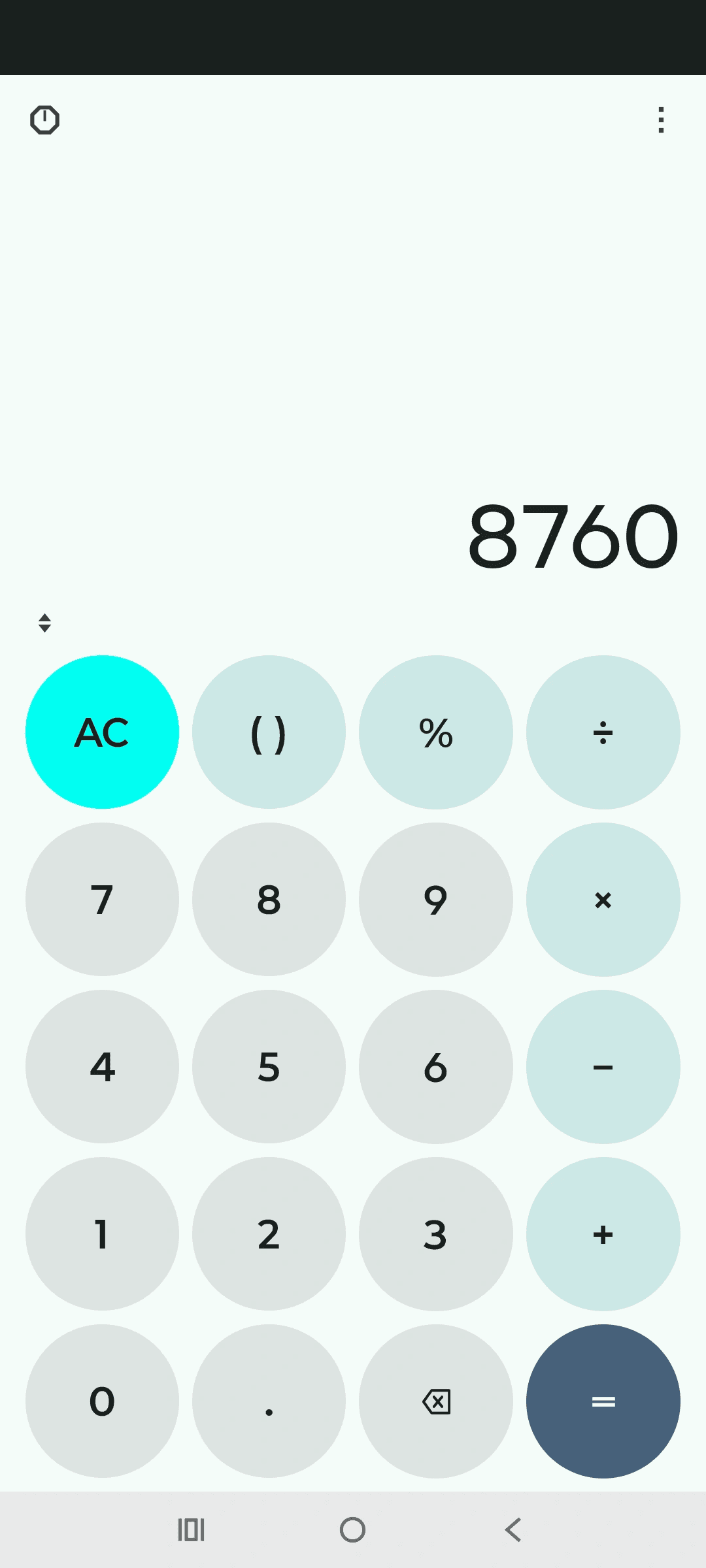
View CThe calculator disguise. One palette in both themes: it has to pass as a calculator.
1080 × 2400 · 2026-09-23 · stock only
Tap the video to pause
Scroll, open, swipe
Every thumbnail and photo in that grid is ciphertext on disk. Each one is decrypted on its way to the screen, and a photo is streamed the same way, one 4 KB segment at a time.
Questions
- What if I can't get in?
- XGallery unlocks with your phone's fingerprint, face or screen lock. If you change your screen lock, the recovery passphrase you set up gets you back in. If you lose both, nobody can open the vault, including us. There is no cloud copy and no support recovery.
- Can I back up my vault or move it to a new phone?
- With XGallery Premium, yes: save the vault you're in as one encrypted file, protected by a backup password you choose, and restore it into a new, empty vault on your new phone. The decoy vault is never part of a backup. Without Premium, the vault stays on the phone it was made on (its keys are tied to that phone, and XGallery is left out of Android's backups on purpose), so export anything you want to keep before you switch.
- What happens to the originals when I import?
- Importing moves a photo or video into the vault. Android asks you to confirm deleting the original from your gallery; if it can't be deleted, XGallery tells you so you can remove it yourself.
- Does XGallery upload anything?
- Your photos and videos never leave your phone unless you export them or back them up yourself. XGallery has no account and no analytics of its own. The free version shows ads from Google, which need an internet connection; they aren't based on your interests, and they never appear over your photos, videos or the lock screen.
- Is XGallery free?
- Yes, with ads. XGallery Premium is a one-off purchase that removes the ads and adds break-in alerts, more profiles beyond your main and decoy vaults, encrypted vault backups, and extra themes and app icons.
- What are break-in alerts?
- A Premium option you turn on in Settings. After a failed fingerprint or passphrase attempt, XGallery takes one front-camera photo (at most one every 30 seconds) and encrypts it. You can see these photos only after a real unlock. Android may show its camera-in-use dot, and some phones always play a shutter sound.
- I deleted something by mistake.
- Deleted items wait in Trash for 30 days, so you can restore them. Emptying the Trash deletes them for good.
Release
XGallery is coming to Google Play later. It's only coming to Google Play, not as a download from this site.
It will be free with ads. XGallery Premium, a one-off purchase, removes the ads and adds extra features.
Want a reminder? Email me and I'll reply on release day.